See how DisplayValet works
Every screen of the app, with what you do there. The pictures are from a sample café; yours will show your own displays and content.
- Step 1
Set up in a few minutes
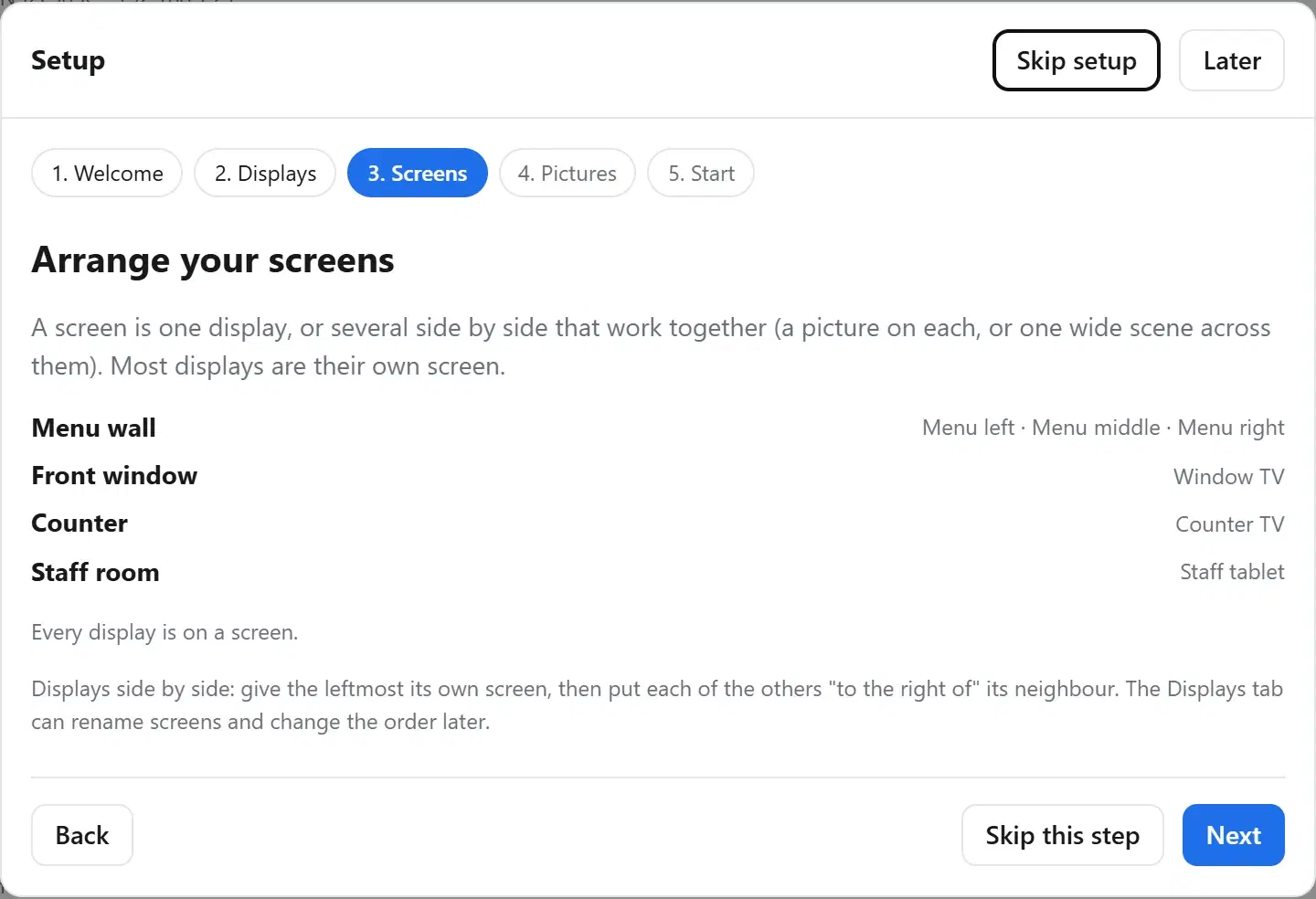
A short setup walks you through it: name your place, find your TVs, put side-by-side TVs together as one screen, drop in some pictures, and start.
- Step 2
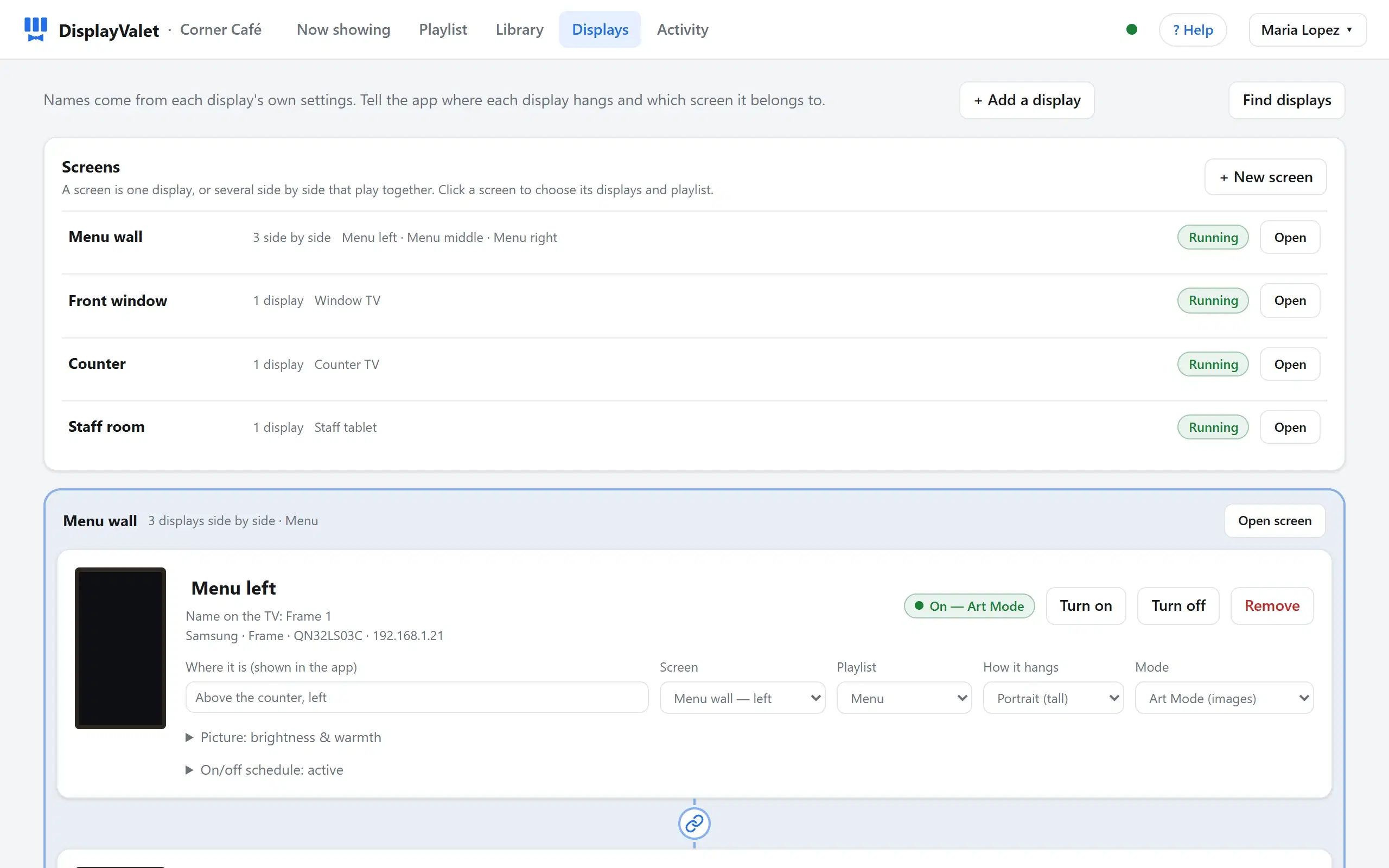
Every display at a glance
Each TV shows its brand, model, network address, whether it's on, and which screen it belongs to. Search the network to add more, or add one by its address.
- Step 3
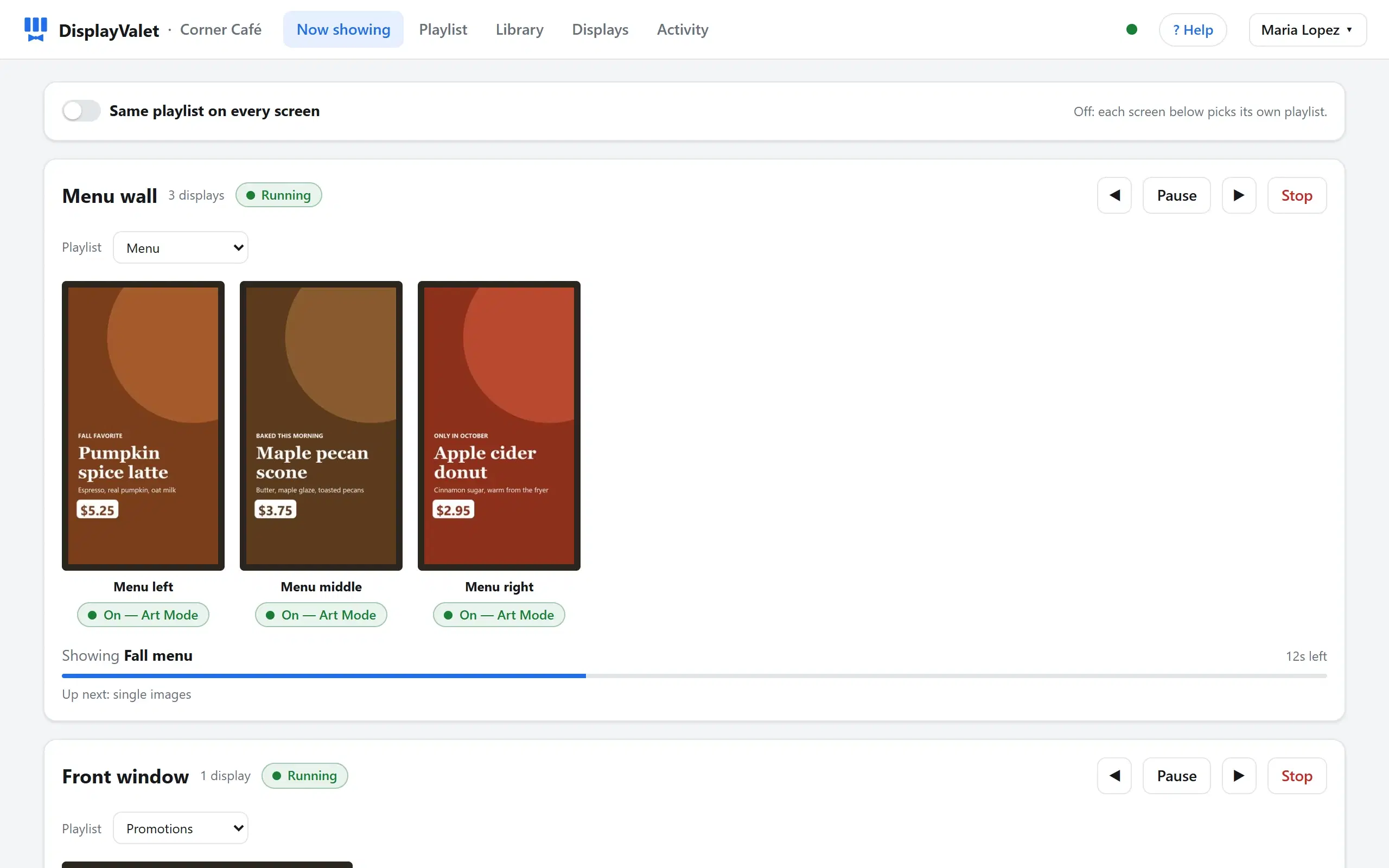
Watch what's on every screen
Live previews of what each screen is showing right now. Pause, skip, or stop any screen, and pick which playlist it plays, or one playlist for all of them.
- Step 4
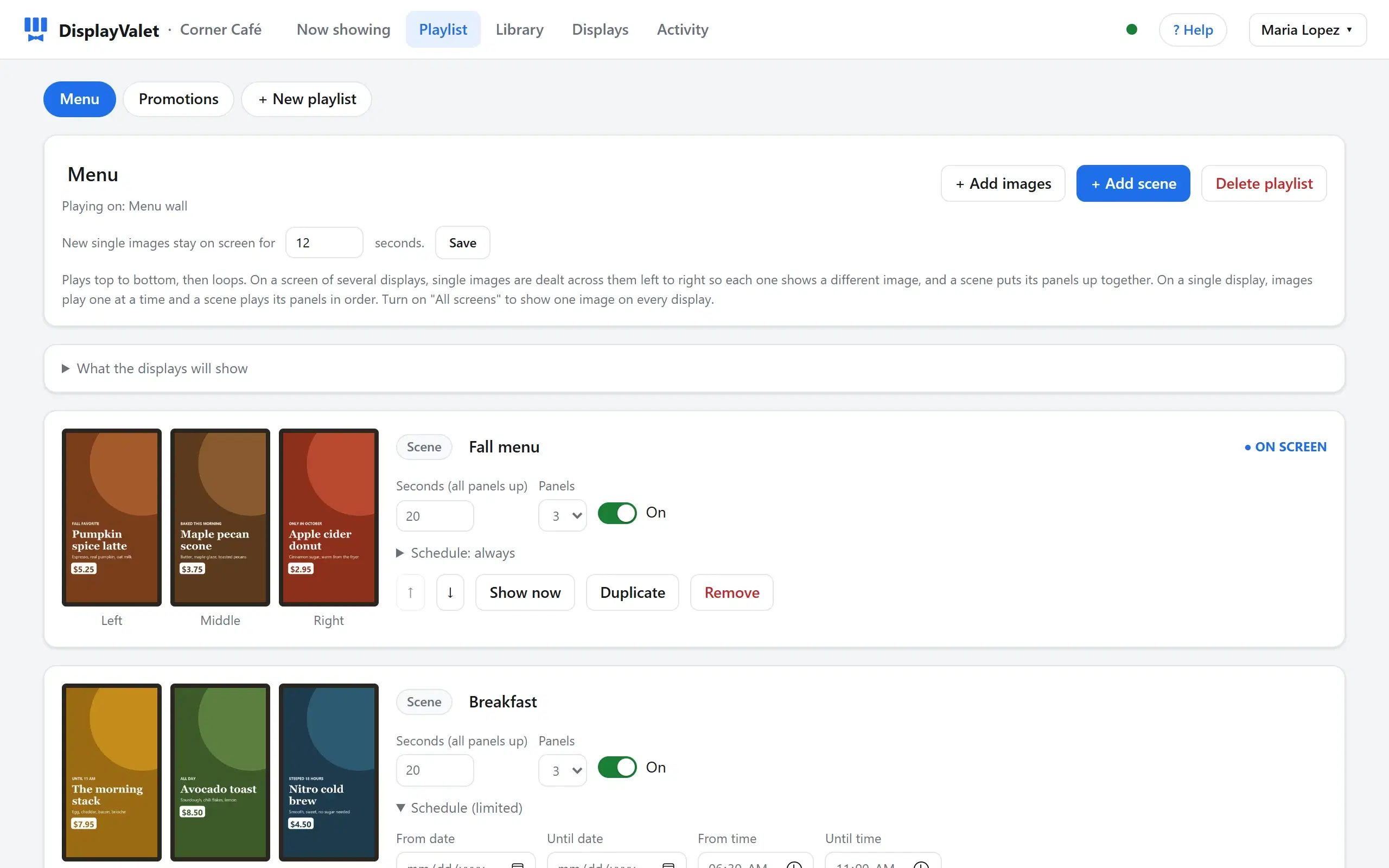
Build playlists and scenes
Single pictures are dealt across side-by-side TVs so each shows something different; a scene puts a set of pictures up together, one per TV. Limit any item to certain dates, days or hours, like a breakfast menu before 11.
- Step 5
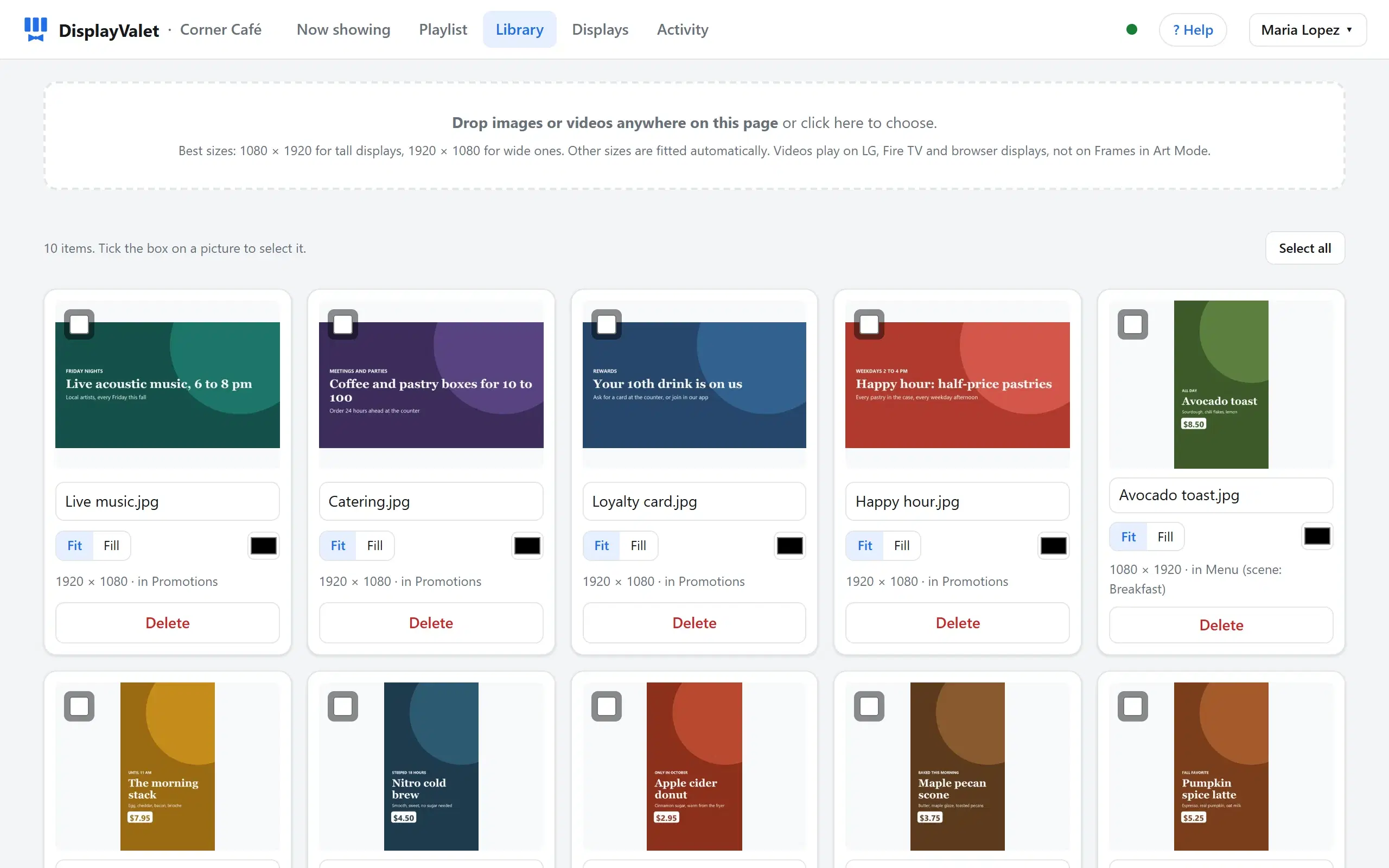
Drop in your pictures and videos
Drag files anywhere on the page, including iPhone photos. Choose fit or fill and a background color for each picture, and see which playlists use it.
- Step 6
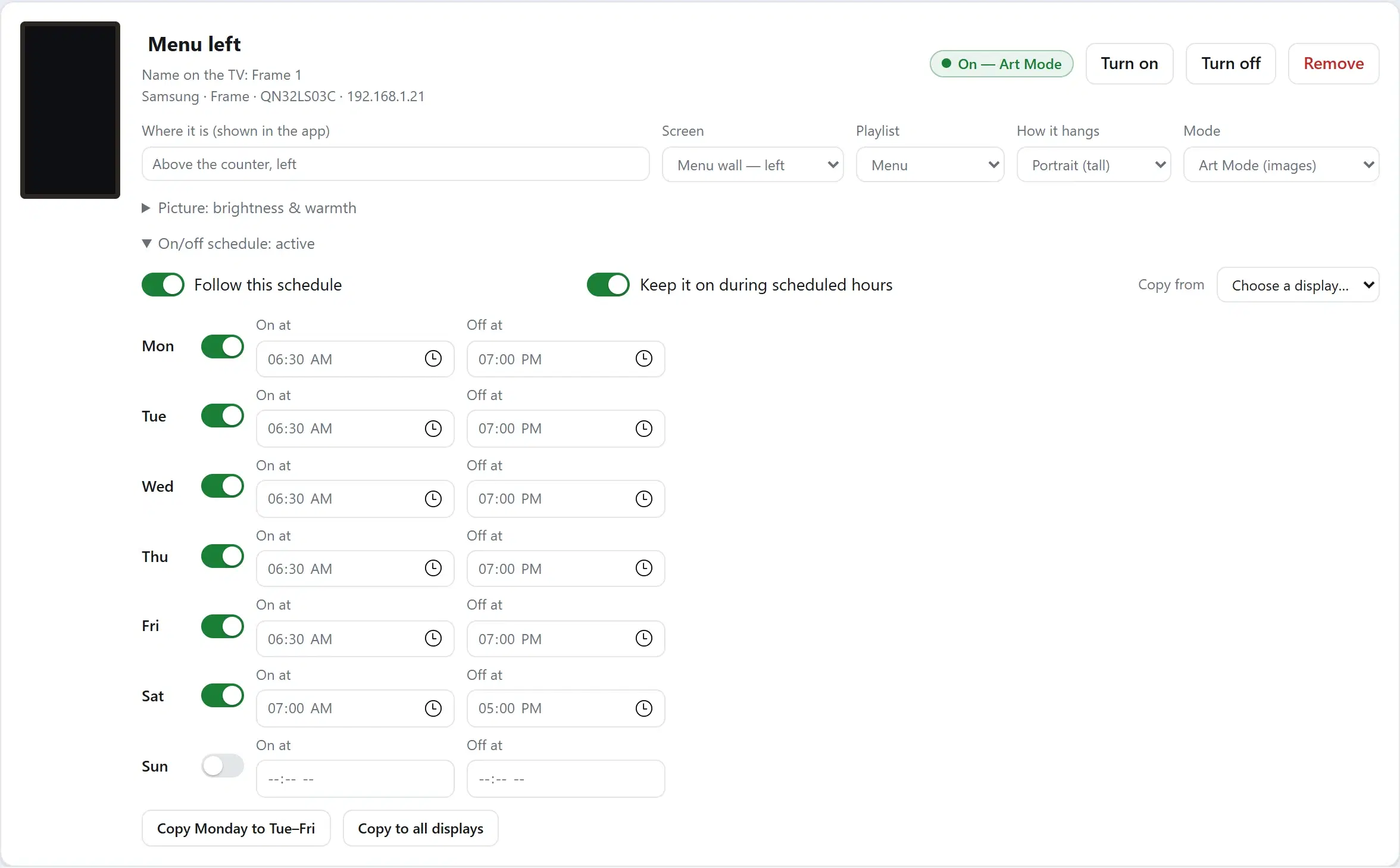
Opening hours for every TV
Set when each display turns on and off, day by day. Copy one schedule to all of them, and keep TVs on during business hours even if someone switches one off.
- Step 7
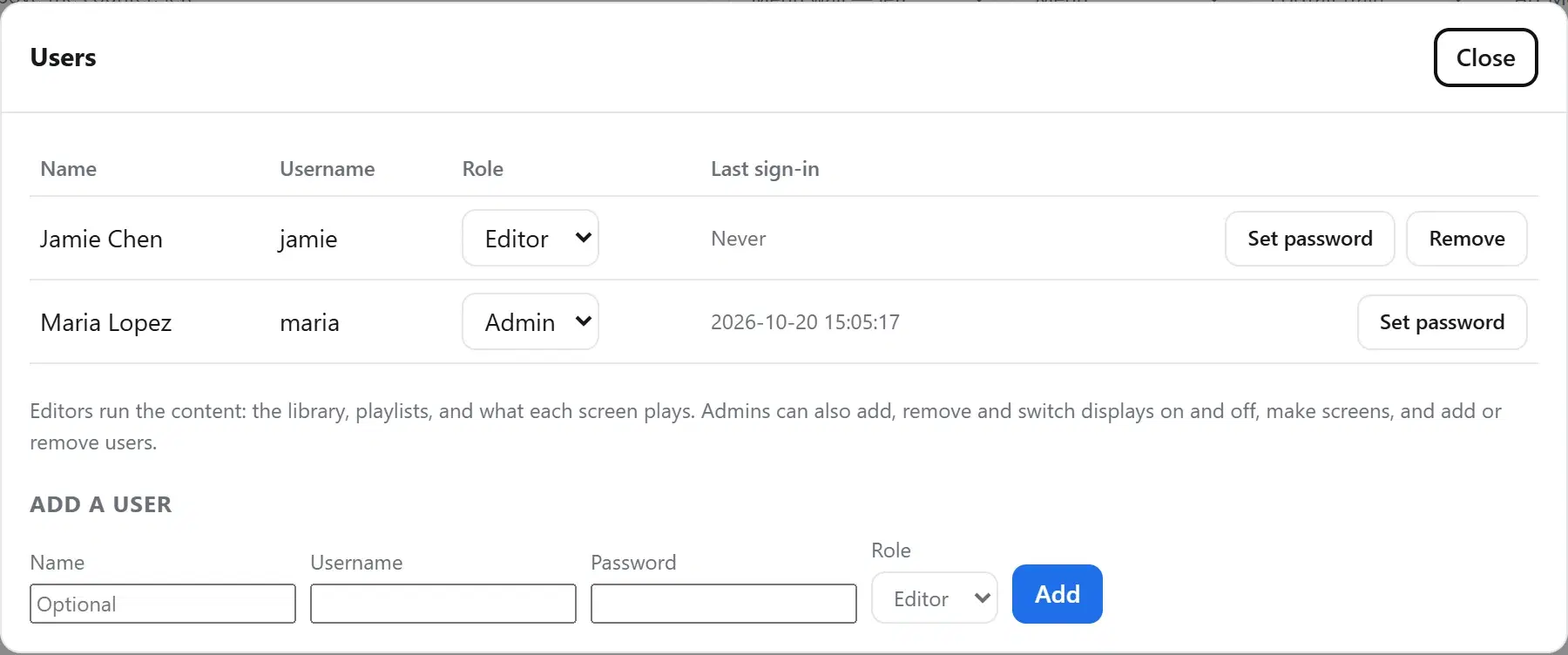
Give your team access
Add people with their own sign-ins. Admins manage displays and users; editors manage the pictures and playlists.
- Step 8
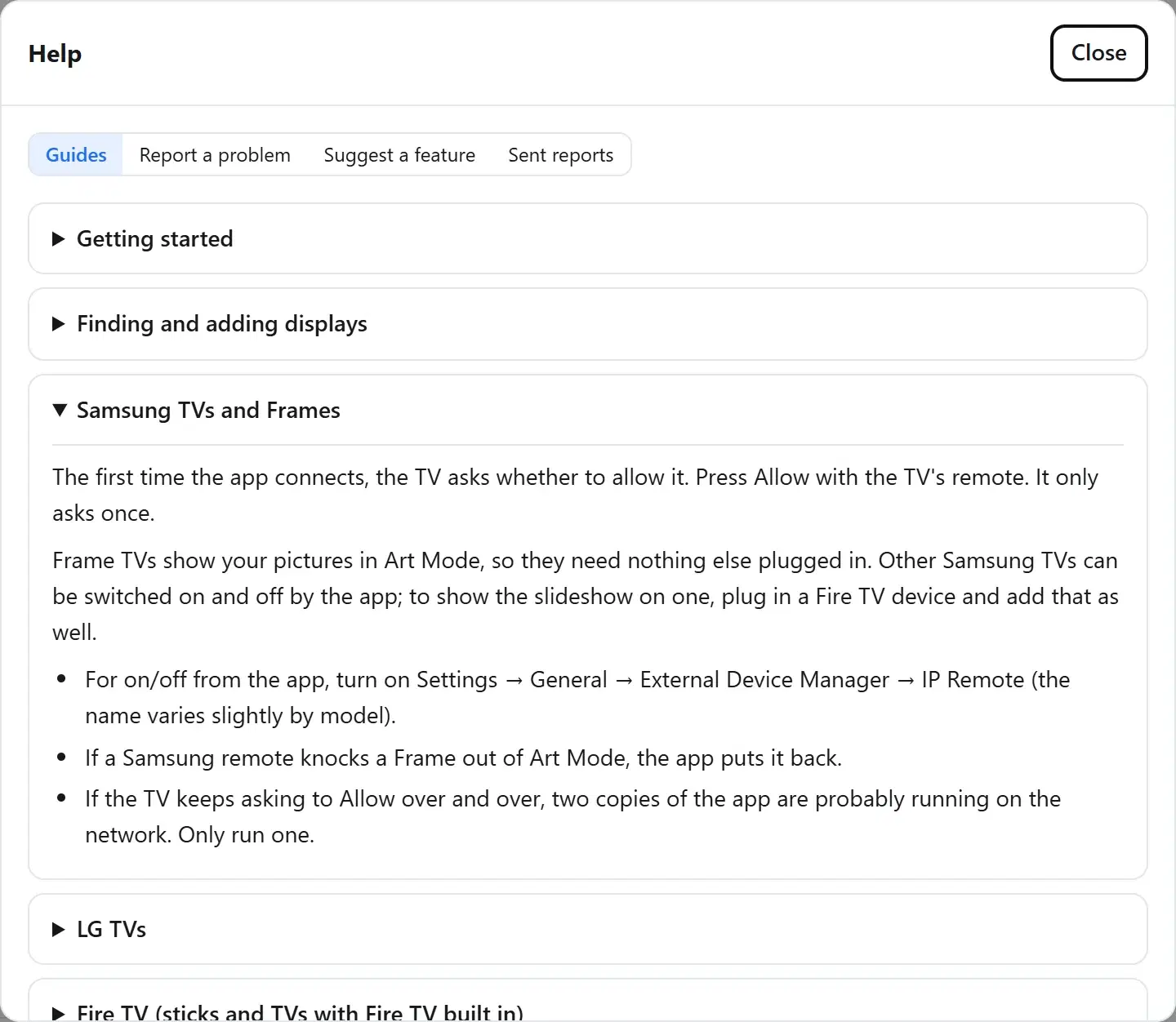
Help built in
Step-by-step guides for each kind of TV, plus Report a problem and Suggest a feature, which include the details needed to help you quickly.